

What’s on the page
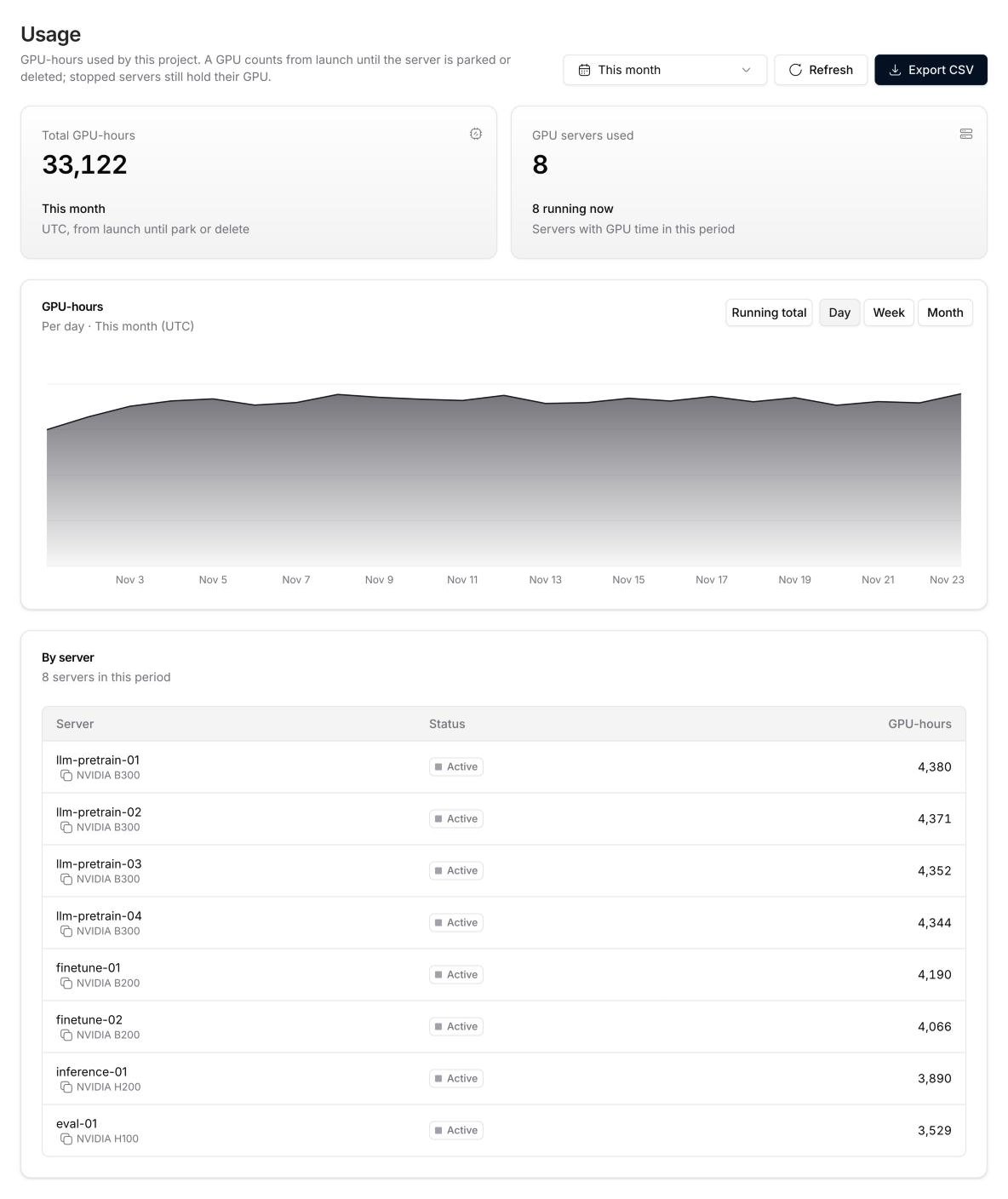
What you can do
- Change the period to look at a different time range.
- Refresh to load the latest numbers. Servers that hold a GPU keep adding GPU-hours.
- Export CSV to download the period’s usage for a spreadsheet or report.
Common questions
Why are there GPU-hours but no servers in my project? The totals include servers that were deleted during the period. The By server table lists them. Why is the number higher than the time we actually worked? A server was probably stopped instead of parked. Stopped servers keep their GPU reserved, so they keep counting.Related
How usage is measured
When the clock starts and stops for each server.
Billing
Balance, this month’s charges, invoices and statements.