

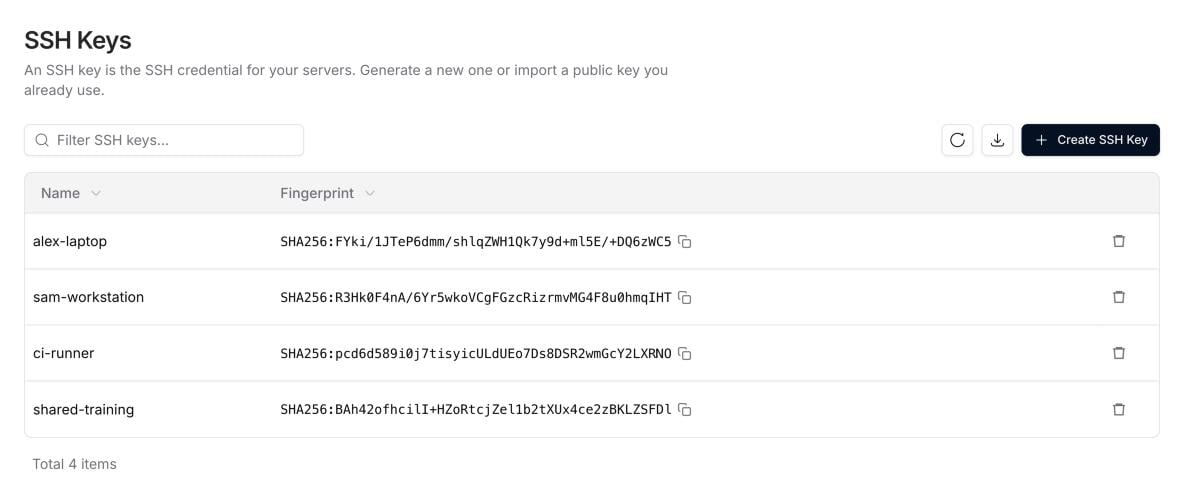
What you can do
- Import a public key you already use. Recommended: your private key never leaves your computer.
- Create a new key. Your browser downloads the private key once. Keep it safe, because it can’t be downloaded again.
- Delete a key you no longer use. This doesn’t remove it from servers that already have it.
ssh-keygen -lf -E md5 ~/.ssh/id_ed25519.pub on your computer and compare.
How keys reach your servers
You pick a key when you launch a server, and it’s placed on the server as it’s created. A key you add later isn’t added to servers that already exist. To give an existing server another key, add the public key to~/.ssh/authorized_keys on the server.
Step-by-step instructions, including how to connect: SSH keys and connecting.
Related
SSH keys and connecting
Add a key, turn on SSH and connect.
Servers
Launch, connect, park and delete servers.