

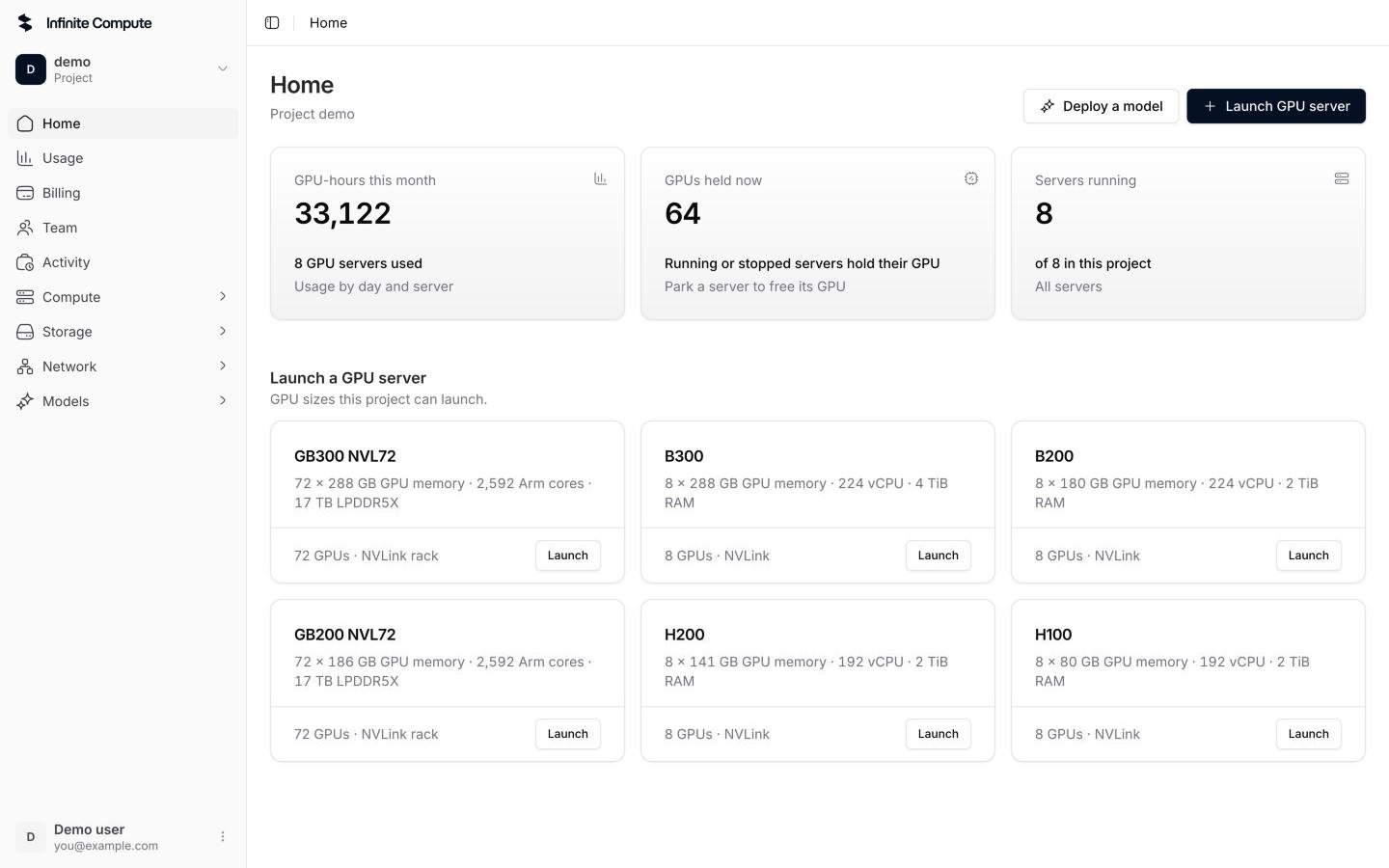
What’s on the page
Needs attention
When a server is costing GPU-hours without doing work, or needs a decision, it’s listed at the top of Home with a short reason:
The card doesn’t appear when there’s nothing to act on.
Summary cards
Your servers
Your project’s servers, with each one’s status, GPU, live GPU use (with a line for the last 24 hours) and, for running servers with SSH on, a button to copy the SSH command. Click View all for the full server list. In a project with no servers yet, this space shows Get started instead: a three-step checklist for your first GPU server (add an SSH key, launch a server, connect). Each step gets a check mark once it’s done.Launch a GPU server
One card for each GPU size your project can launch, with its GPU memory, vCPUs and RAM. Click Launch on a card to open the launch form with that size already selected.Quick actions
- Launch GPU server (top right) opens the launch form. See Launch a GPU server.
- Deploy a model takes you to Models, where you can serve an open model behind your own API endpoint.
Related
Usage
GPU-hours by day and by server.
Servers
Launch, connect, park and delete servers.
Launch a GPU server
Pick a GPU, an image and a network.
Models
Explore models and manage deployments.